Udyam Aadhaar Login | Login to Udyam Registration Account
Sample Certificate
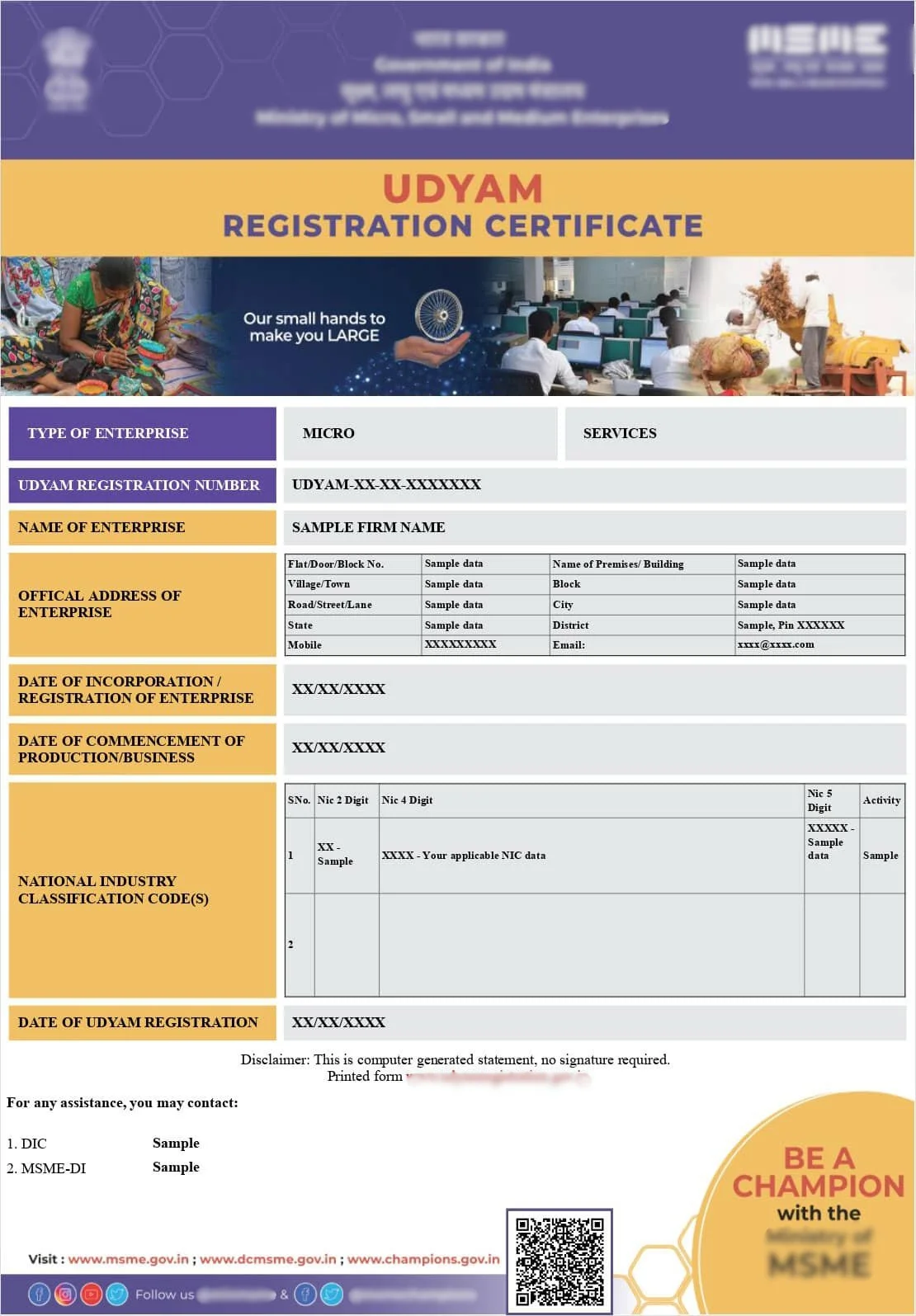
Note: Sample Udyam Adhar Certificate shown for reference purposes only.
Udyam Aadhaar Login
Overview
Access your Udyam Aadhaar Login account to manage your existing Udyam Registration through the online portal. If your enterprise has already completed Udyam Registration, you can log in to access your registration profile, manage enterprise records, download your Udyam Certificate, print your certificate, verify registration information, update business details, submit registration corrections, recover your registration information, and complete other registration-related services from one place.
The Udyam Aadhaar Login portal is designed for registered Micro, Small and Medium Enterprises (MSMEs) that need to access an existing registration rather than submit a new application. Whether you need to review your enterprise information, update contact details, change business information, verify registration records, download the latest Udyam Certificate, print another copy of your certificate, or manage your existing registration, logging into your Udyam account is the first step before continuing with any registration-related service.
To access your registration securely, keep your Udyam Registration Number (URN), registered mobile number, registered email address (where applicable), and complete the required OTP verification. Once your identity is verified, you can continue with multiple services including registration updates, certificate download, enterprise verification, registration correction, certificate printing, and other Udyam Registration activities without submitting a fresh registration request.
Registered businesses often use the Udyam Aadhaar Login portal to maintain accurate enterprise records throughout the lifecycle of their business. As business information changes over time, the login portal provides access to registration management services that help businesses keep their registration information current while allowing easy access to certificates, registration records, and enterprise details whenever required.
Access Your Existing Udyam Registration
The Udyam Aadhaar Login portal provides access to a wide range of services for businesses that already have a valid Udyam Registration. Instead of creating another registration, existing enterprises can log in and continue with the service that matches their current requirement.
After logging into your account, you can continue with services such as:
- Download Udyam Certificate
- Print Udyam Certificate
- Update Udyam Registration
- Verify Udyam Registration
- Registration Correction
- View Enterprise Information
- Update Business Details
- Check Registration Status
- Recover Registration Details
- Manage Existing Registration
Every service is linked to your existing enterprise registration, making it easier to maintain accurate records and complete future registration-related activities from one account.
Details Required for Udyam Aadhaar Login
Before accessing your Udyam account, ensure that the required registration information is available. Using the same details provided during registration helps verify your identity and allows secure access to your enterprise profile.
Generally, you may need:
- Udyam Registration Number (URN)
- Registered Mobile Number
- Registered Email Address
- OTP Verification
- Enterprise Name
- Applicant Details
Entering accurate registration information helps avoid login errors and allows you to continue with certificate downloads, registration updates, verification, and other enterprise management services.
Services Available After Login
Once you have successfully logged into your Udyam Aadhaar account, you can manage different registration-related requirements without starting a new application.
Download Udyam Certificate
Download the latest Udyam Certificate linked to your enterprise registration whenever required.
Print Udyam Certificate
Generate another printable copy of your Udyam Certificate for business records, banking requirements, tender participation, vendor registration, or other documentation.
Update Udyam Registration
Update authorised business information including contact details, business address, enterprise information, or other registration details through the applicable update process.
Verify Udyam Registration
Review and verify the information recorded under your Udyam Registration before using your registration for business purposes.
Registration Correction
Submit eligible correction requests if any authorised business information recorded in the registration requires modification.
Enterprise Record Management
Access your enterprise profile, review registration information, and continue managing your Udyam Registration whenever required.
Udyam Assistance Process – Fast & Simple
Fill Form & Make Payment
Submit Required Information
Expert Assistance & Verification
Updates Shared via Email
A Vision on India
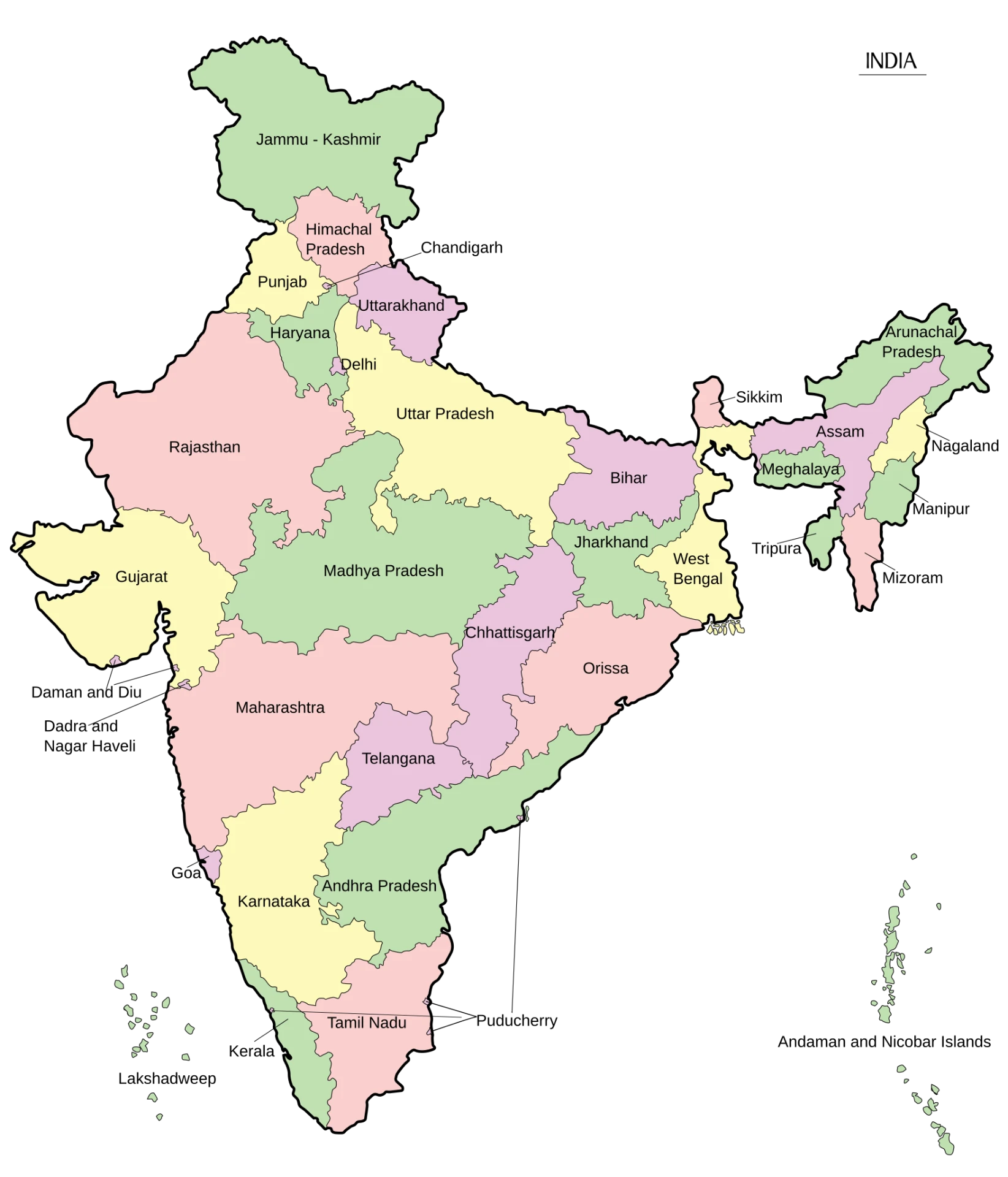
| Country | India |
|---|---|
| Area | 3,287,263 sq. km. |
| States | 28 |
| Population | 1,46,39,00,000 |
| Literacy | 80.9% |